
Treasure Coast IT Solutions

St Lucie, Martin, Indian River, & Okeechobee Counties
Treasure Coast IT Solutions

Complete Business Technology
Solutions & Support

St Lucie, Martin, Indian River, & Okeechobee Counties
Treasure Coast IT Solutions

Complete Business Technology Solutions & Support

Why Shared Logins Are a Serious Risk for Small Businesses on the Treasure Coast

A Warning for Business Owners in Port St. Lucie, Fort Pierce, and Stuart, Florida

In many small businesses—especially in industries like accounting, legal services, architecture, surveying, and nonprofit operations—it might seem easier to have your whole team share a single login for email, software, or file access.

One password, one username, less hassle… right?

Wrong.

If you’re running a business in Port St. Lucie, Fort Pierce, or Stuart, this shortcut could expose you to data breaches, compliance issues, and operational breakdowns. In today’s digital world, shared logins are a serious risk—one that small businesses can’t afford to take.

Why You Should Never Share One Login Between Staff
Shared Accounts: A Quick Fix That Creates Long-Term Problems

✅ Sounds Convenient, But Here’s What Really Happens

It’s common in small offices for teams to share access to:

  • A QuickBooks or accounting login
  • A Microsoft 365 or Google Workspace account
  • Cloud file storage
  • CRM or client management tools
  • Internal systems or shared drives


But here’s the truth: shared login credentials make your business more vulnerable to cyberattacks, internal errors, and costly downtime.

Why You Should Never Share One Login Between Staff
1) 🚫 No Audit Trail = No Accountability

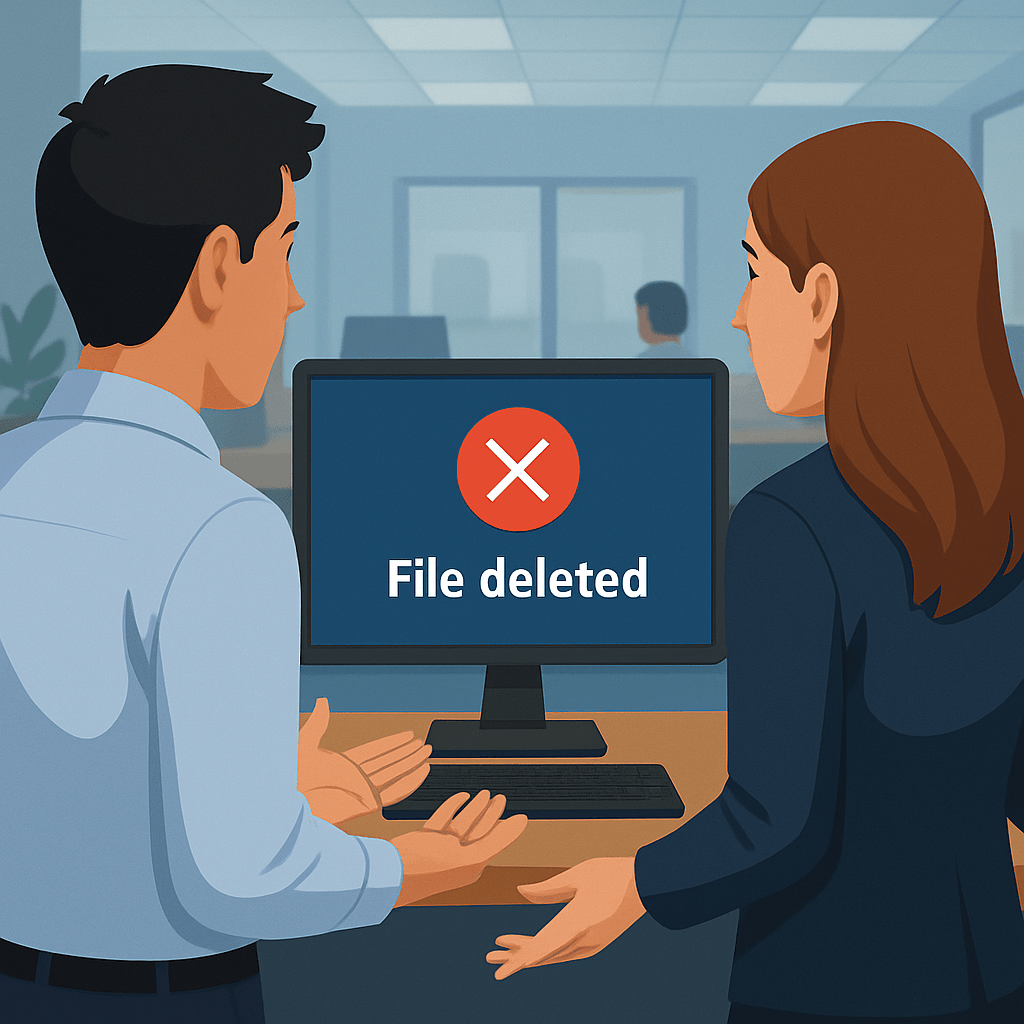
Let’s say something gets deleted—an important file disappears, or a settings change locks your team out of a tool. You go to check the activity logs, and instead of a name, you just see “admin” or “user.”

Was it Sarah? James? Or someone pretending to be them?

When everyone uses the same credentials, you can’t trace actions back to specific people. That means no accountability—and no clear way to correct or prevent future issues.

For regulated industries like accounting firms or law practices, this is a compliance red flag. And for nonprofits handling donor data or grant information, it could be a trust issue waiting to happen.


2)🔓 Shared Credentials Make You an Easy Target

In cybersecurity, the more people who have access to a login, the greater the risk of a breach. If just one team member:

  • Reuses the password elsewhere
  • Writes it down and leaves it in plain sight
  • Sends it via email or text
  • Gets phished…

Then your entire system is compromised.

Worse, if you use Microsoft 365 or Google Workspace and share one admin login, that means access to:

  • All your business emails
  • Shared files and folders
  • Company calendars and contacts
  • Security settings
  • Billing information

If that account is hacked, you’ve lost control of your digital infrastructure.

3)😤 Offboarding Becomes a Nightmare

Let’s say an employee leaves your Fort Pierce accounting firm or your Port St. Lucie nonprofit. If they had access to a shared login, you’ll need to:

  • Reset that password across every system
  • Reconfigure connected devices or services
  • Hope no one else is relying on that same password

Even then, you can’t guarantee that the person no longer has access—because the account wasn’t theirs to begin with.

If they left under bad terms, your risk level just went up.

By contrast, with individual logins, you simply deactivate their account. Done. No exposure, no reconfiguration, and no late-night scrambling.

Why You Should Never Share One Login Between Staff
4)🛠️ It Gets in the Way of IT Support and System Security

At Treasure Coast IT Solutions, we provide managed IT services for small businesses across St. Lucie, Martin, and Indian River counties. One of the first problems we often encounter? Businesses using shared logins, making it impossible to:

  • Pinpoint who changed what
  • Restrict access by role or responsibility
  • Implement multi-factor authentication (MFA)
  • Monitor risky behavior

You can’t build a secure or scalable system on a foundation of shared passwords.

Why You Should Never Share One Login Between Staff
5)❌ It Can Violate Data Compliance Rules

If your business is subject to regulations like:

  • HIPAA (healthcare & nonprofits)
  • GLBA (financial and accounting firms)
  • SOX or legal discovery procedures (law firms)

…then shared logins put you out of compliance.

Many compliance frameworks require:

  • Access logs tied to specific individuals
  • Role-based permissions
  • Timely access revocation

And shared logins meet none of those requirements.

✅ What You Should Be Doing Instead: Individual User Accounts

Providing each team member with their own login may take slightly more setup time—but it saves a lot of trouble later.

Benefits of Individual Logins:

  • Full visibility over who did what, and when
  • Easier offboarding when someone leaves
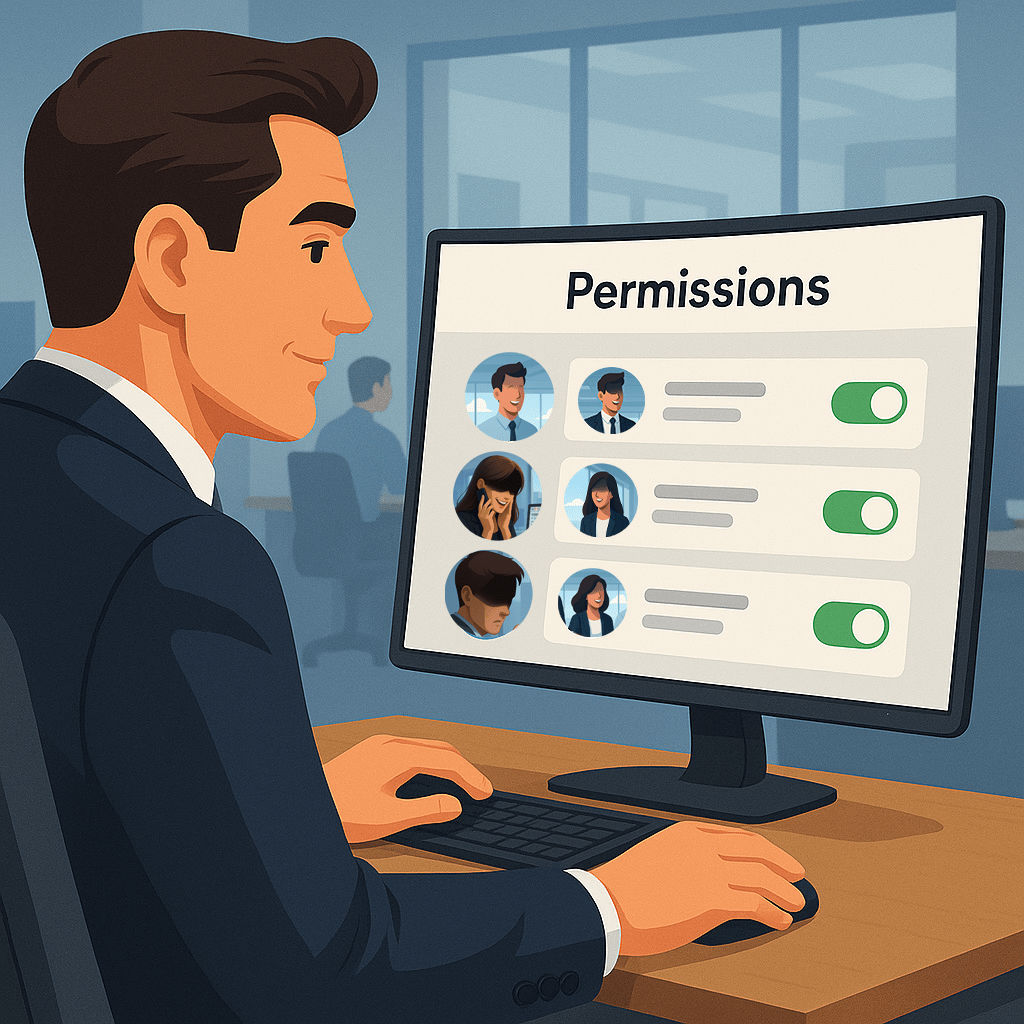
  • Customizable permissions (not everyone needs admin rights)
  • Improved cybersecurity with MFA and access monitoring
  • Audit compliance for regulated industries

For example:

  • A legal assistant in Stuart might need access to case files but not billing records
  • A junior surveyor in Fort Pierce can view project folders without the ability to delete them
  • An accountant in Port St. Lucie can work with financial data without access to admin controls

Individual logins make this possible—and keep your operations secure and streamlined.

How We Help Treasure Coast Businesses Get It Right

At Treasure Coast IT Solutions, we work with:

  • Small law firms in Port St. Lucie
  • Nonprofits and associations in Stuart
  • Accountants, engineers, and surveyors in Fort Pierce

We help transition your systems from shared chaos to individual clarity—safely, securely, and without disrupting your operations.

Our Process:

  1. Audit your current login usage
  2. Create individual user accounts
  3. Assign role-based permissions
  4. Implement secure password policies and MFA
  5. Set up cloud access monitoring and alerts
  6. Provide training for staff
  7. Create an offboarding checklist for future transitions

Whether you’re using Microsoft 365, Google Workspace, QuickBooks Online, or industry-specific platforms, we can help tailor secure access for each employee or contractor.

Why You Should Never Share One Login Between Staff
Local Support. Practical Solutions. Proven Security.

We’ve helped dozens of small businesses on the Treasure Coast move away from risky shared logins. And we’ll help you too—with no jargon, no scare tactics, and no unnecessary costs.

We make IT easy and secure—so you can get back to running your business.


Book a Free Account Access Audit Today

Not sure who has access to what in your business?
Worried that a shared login could open the door to a data breach?

Let’s fix that—before it becomes a problem.

Schedule A Free Consultation

Are you in need of Complete Business Technology Management and Support and unsure what it will cost?

We have you covered. We provide prospective customers a FREE initial consultation which will help us to get to know what your organization needs and what you don’t!

Schedule your free consultation today!

author avatar
tcitpubadmin

Let's Get Started