

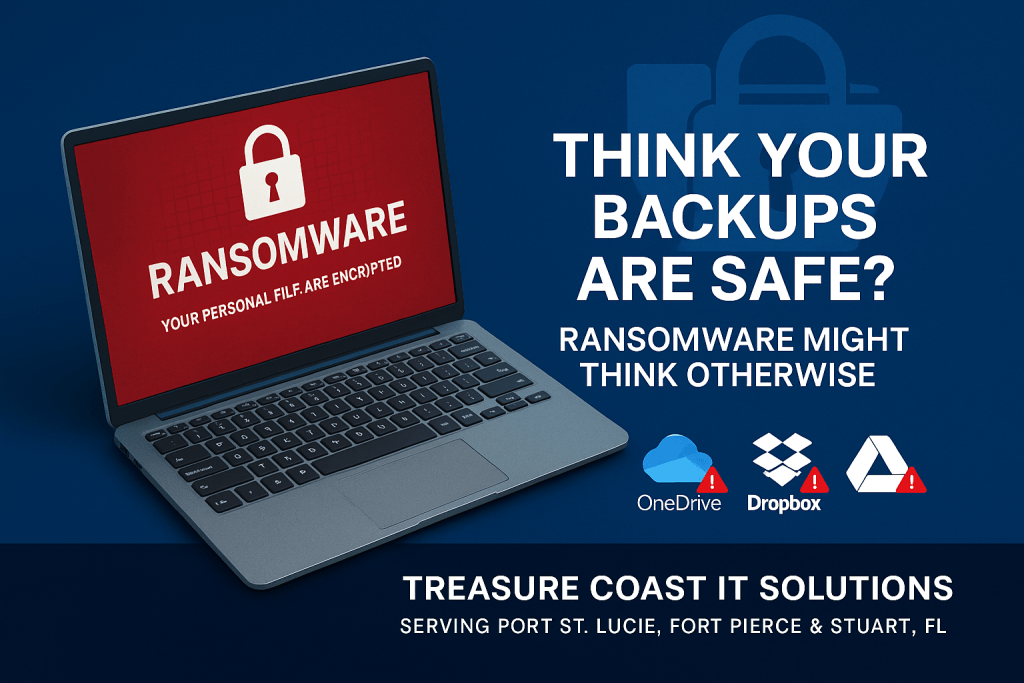

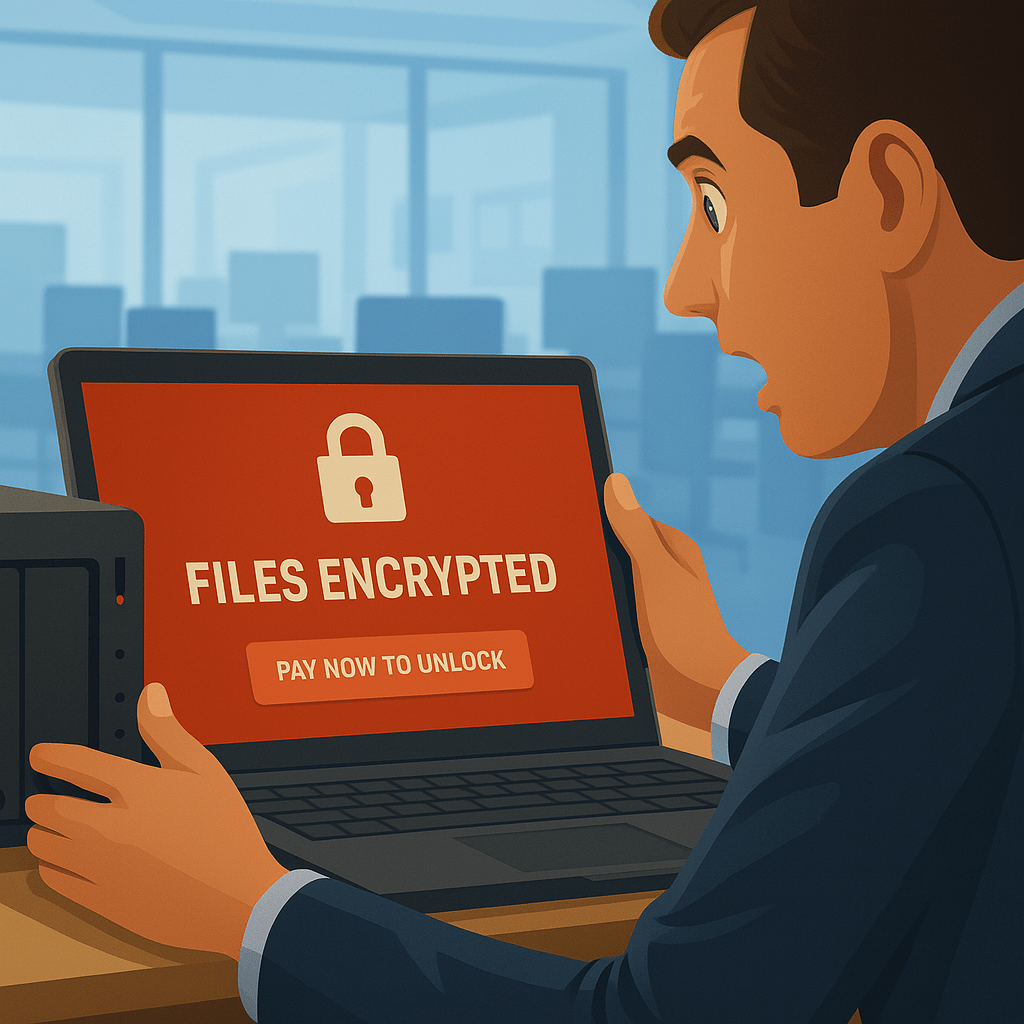
Ransomware Isn’t Laughing With You—It’s Laughing at Your Backup Strategy
Why Small Businesses in Port St. Lucie, Fort Pierce, and Stuart Need More Than Basic Backups
As a small business owner in Florida’s Treasure Coast—whether you’re running a law firm in Fort Pierce, an accounting office in Port St. Lucie, or a non-profit in Stuart—you know how important your data is.
You’ve probably been told that if you have a backup, you’re protected from ransomware.
Unfortunately, that’s only half true.
Modern ransomware has evolved. It doesn’t just encrypt your working files—it actively targets your backups first. The very thing you’re relying on to restore your business is now the first thing under attack.
In this guide, we’ll walk through:
- What ransomware actually does
- How it destroys your backup strategy
- Why many cloud-based tools aren’t enough
- What kind of backup plan your business really needs
- How to build a ransomware-resilient recovery plan
The Dangerous Myth: “We Have Backups, So We’re Safe”
We hear it all the time from business owners in the St. Lucie County area:
“We back up everything every night.”
“Our files sync to the cloud.”
“We have an external drive connected to the server.”
It sounds comforting, but here’s the truth: none of these methods guarantee recovery from ransomware.
Why?
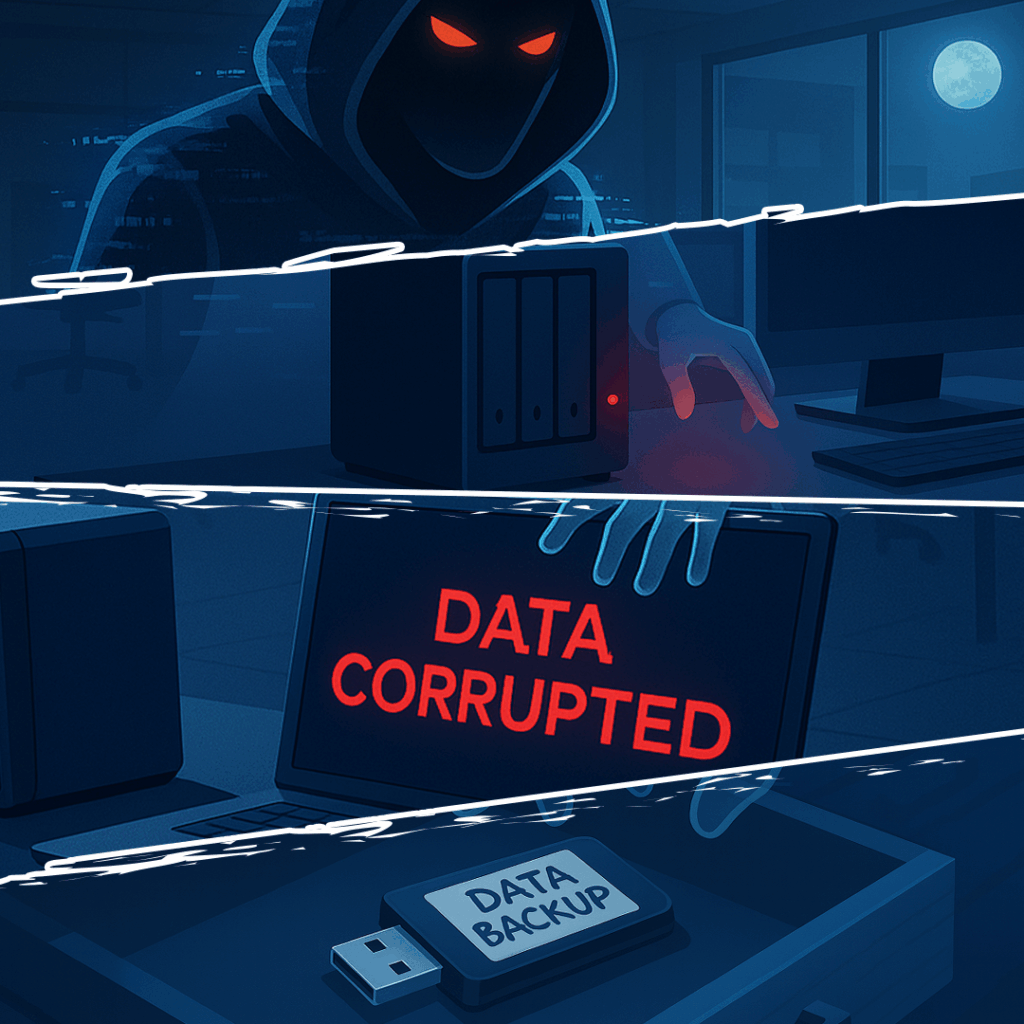
Because ransomware doesn’t just encrypt files. It actively searches for and destroys backups.
Ransomware Targets Your Safety Net First
Once ransomware breaches your systems—whether through a phishing email, a bad link, or an exposed vulnerability—it starts scanning your network for connected storage.
It looks for:
- USB drives
- Mapped network drives
- Backup servers
- Synced cloud folders (like OneDrive, Dropbox, or Google Drive)
If it can access those files, it will encrypt them too. And in some cases, ransomware waits weeks before launching its attack—corrupting your backup copies slowly, so by the time you notice the issue, every clean version is already poisoned.
If you’re a small CPA firm in Fort Pierce or a Stuart-based architectural firm, you might think you’re not a big enough target. But that’s another myth. Ransomware is increasingly automated and indiscriminate—small professional businesses are now prime targets.
Cloud Sync ≠ Cloud Backup
If you rely on Google Drive, Dropbox, or OneDrive to protect your files, you’re at serious risk.
These platforms offer:
- File syncing across devices
- Limited version history
- Temporary file recovery (typically 30–90 days)
But here’s the catch: if ransomware hits your computer and sync is turned on, it will overwrite your cloud versions with encrypted files. By the time you realize something’s wrong, your clean data is long gone.
And while paid plans offer extended history, recovery across thousands of encrypted files is complicated—and may not work at all.
We’ve seen non-profits in Stuart lose years of donor data this way.
What Small Business Owners Really Need: Ransomware-Proof Backup
To survive a ransomware attack, you need backups that ransomware can’t touch.
Here’s what that looks like:
Immutable Backups
These backups cannot be changed or deleted—even by an administrator. Ransomware can’t encrypt or modify them.
Offline Backups
A copy of your data is stored completely disconnected from your main network. It’s unreachable during an attack.
Encrypted, Off-Site, and Monitored
Backups should be stored off-site, encrypted, and continuously monitored to detect unusual access or changes.
This is especially important for:
- Law offices in Port St. Lucie handling confidential legal files
- Surveyors in Fort Pierce storing critical maps and drawings
- Accounting firms safeguarding sensitive financial data
- Non-profits relying on regulatory compliance
The 3-2-1 Backup Rule for Florida Businesses
We recommend the 3-2-1 strategy to all our clients:
- 3 copies of your data
- 2 different types of storage media
- 1 backup kept completely offline and off-site
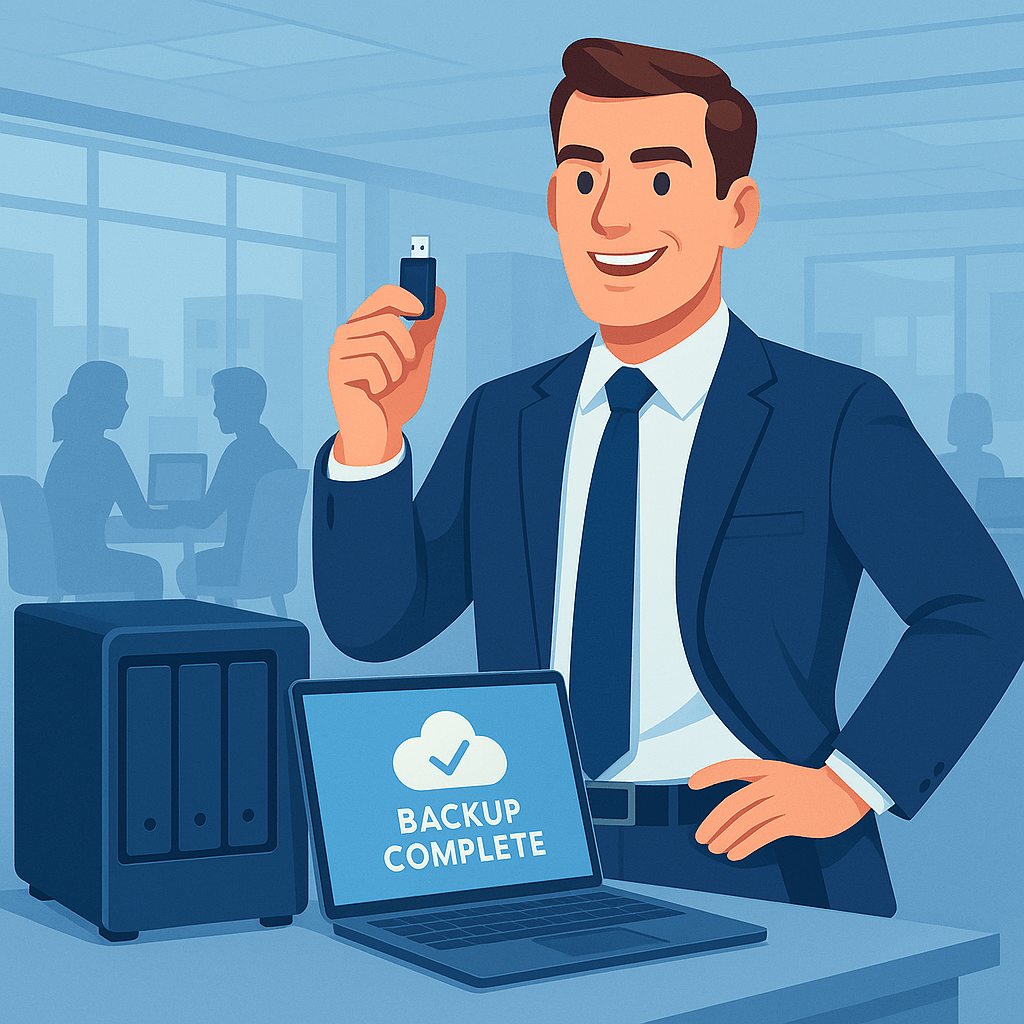
This creates multiple layers of defense so that even if ransomware slips through, your clean data is still safe.
Backup Alone Isn’t Enough—You Need a Recovery Strategy
Think about this: If ransomware hits tomorrow, how long would it take you to get your business up and running again?
- Can you restore your email in hours—or will it take days?
- Do you know how much data you’d lose between your last backup and now?
- Can you prioritize what gets recovered first?
At Treasure Coast IT Solutions, we help businesses across St. Lucie, Martin, and Indian River Counties build full disaster recovery plans, not just backup systems.
What a Real Recovery Plan Looks Like
Here’s what we implement for small professional firms:
Recovery Point Objective (RPO)
How much data can you afford to lose? We help set backup intervals based on your needs—hourly, daily, or in real time.
Recovery Time Objective (RTO)
How quickly do you need to be operational? We define clear targets and recovery procedures to minimize downtime.
System Prioritization
We identify your most critical systems—accounting files, client records, case documents—and ensure they come back online first.
Regular Testing
We simulate recovery scenarios so you’re not left guessing if a restore will work when you need it most.
Why This Matters for Local Businesses
You might think ransomware is only a concern for big corporations. But the FBI and DHS both report that small and mid-sized businesses are being targeted more than ever.
- In 2024, 68% of ransomware victims were businesses with fewer than 100 employees.
- 60% of small businesses hit by ransomware never fully recover.
If you’re located on Florida’s Treasure Coast, your firm is part of a growing digital economy—and increasingly attractive to attackers.
Let’s Build a Backup and Recovery Plan That Works
At Treasure Coast IT Solutions, we’re more than just IT providers—we’re partners in your business continuity.
We offer:
- Immutable, monitored, ransomware-resistant backups
- Disaster recovery planning tailored to your operations
- Compliance-ready strategies for legal, financial, and non-profit sectors
- Local support from a team that understands the Treasure Coast business landscape
Schedule Your Free Backup & Recovery Audit
Not sure if your current backup strategy would hold up in a ransomware attack?
Let’s find out—before it’s too late.
Schedule A Free Consultation
Are you in need of Complete Business Technology Management and Support and unsure what it will cost?
We have you covered. We provide prospective customers a FREE initial consultation which will help us to get to know what your organization needs and what you don’t!
Schedule your free consultation today!