


Your Backups Were Gone Before You Saw the Ransom Note
Managed IT and Cybersecurity for Small Businesses in Port St. Lucie, Fort Pierce, and Stuart, Florida
A law firm owner in Port St. Lucie turns on her computer and sees the ransom demand filling the screen. Her first thought: at least she has backups. Then IT calls back — and the backups are gone too. This is not a rare outcome for professional service firms on the Treasure Coast. It happens to accountants in Stuart, engineers in Fort Pierce, architects in Vero Beach, and nonprofits across Martin, St. Lucie, and Indian River Counties. And it is not bad luck. It is the plan.
The attack started weeks before you noticed
Ransomware groups changed their approach once they noticed that businesses with solid backups simply were not paying ransoms. If you could restore your data in a day, the leverage disappeared — so attackers adapted. Destroying your backups became the first priority, not an afterthought. A modern ransomware attack spends days or weeks quietly moving through your network before a single file gets locked. The ransom note is not the start of the attack. By the time you see it, the work that actually mattered is already done. CISA’s StopRansomware guidance confirms that attackers routinely exploit this extended dwell time to disable alerts and eliminate recovery options before triggering the visible phase of the attack.
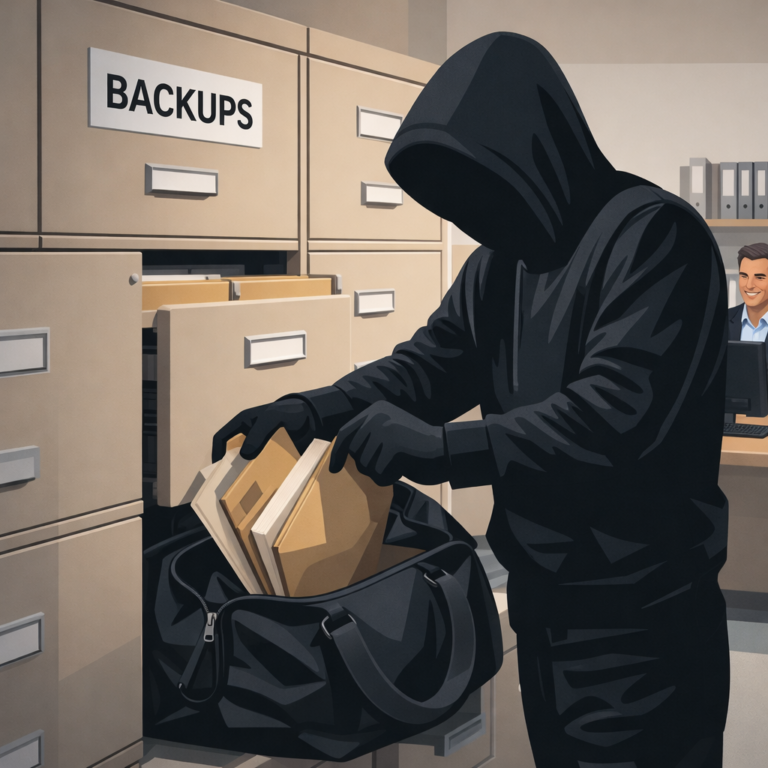
Why your backup system is easier to reach than you think
Here is the part that surprises most business owners. In a typical office setup, your backup system shares the same login credentials as the rest of your network. That means whoever controls one controls the other. Once an attacker gets hold of a master-level account — a common result of a single successful phishing email — your backups are just as reachable as any other part of your network. There is no extra wall to climb. Some attackers go further by quietly corrupting restore points over several weeks, so that every available backup in the rotation is already damaged before the file-locking begins. The FBI’s ransomware resources note that credential theft through phishing remains the most common entry point for these attacks — and it is exactly how attackers reach backup systems in most small business environments.
What genuinely protected backups look like
A backup strategy that holds up against a modern ransomware attack has a few specific things working in its favor. The backup data lives somewhere not reachable using the same logins as the rest of your systems. At least some copies are stored in a format that cannot be changed or deleted — even by someone with full admin access to your network. And the backups are tested on a regular schedule, not just created and forgotten, so that damage is caught before it matters. Most small businesses in Port St. Lucie, Stuart, Fort Pierce, and Vero Beach do not have this level of separation in place. That is not a criticism — it is simply not something a busy attorney, surveyor, or accountant would know to ask for. The FTC’s small business cybersecurity guidance recommends offline and off-site backup copies as a baseline defense against exactly this type of attack.
Not sure if your backups are safe? Let’s find out.
The question is not whether you have backups. The question is whether those backups are out of reach if someone breaks in. If you are not certain — and most business owners we talk to are not — that conversation is worth having now, before you need to find out the hard way. We provide managed IT services and ransomware backup protection for professional service firms across the Treasure Coast, including accountants, law firms, engineering and surveying companies, architects, and nonprofits in Port St. Lucie, Fort Pierce, Stuart, and Vero Beach. Give us a call at (772) 335-2262 or use the link below to schedule a free consultation today! We are happy to take a look at what you have.
Schedule A Free Consultation
Are you in need of Complete Business Technology Management and Support and unsure what it will cost?
We have you covered. We provide prospective customers a FREE initial consultation which will help us to get to know what your organization needs and what you don’t!
Schedule your free consultation today!
Frequently Asked Questions
Why does ransomware target backup systems first?
Ransomware attackers learned that businesses with solid backups simply do not pay ransoms. So destroying your backups became the first step, not an afterthought. Once your recovery options are gone, you have no choice but to pay or lose everything.
Can ransomware delete cloud backups?
Yes. If your cloud backup uses the same login credentials as the rest of your network, an attacker with admin access can delete cloud backups just as easily as local ones. True protection requires backup storage that is isolated from your main network credentials.
How long does a ransomware attack go undetected?
According to CISA, attackers often spend days or weeks inside a network before triggering the file-locking phase. This time is used to locate backup systems, disable alerts, and destroy recovery options before the ransom note ever appears.
What does a properly protected backup system look like?
A well-protected backup keeps data somewhere that cannot be reached using your regular network logins, maintains at least some copies in a format that cannot be changed or deleted even by administrators, and is tested regularly to confirm everything is actually recoverable.
