


The Shared Wi‑Fi Password
That’s Putting Your Treasure Coast Business at Risk
Treasure Coast IT Solutions — Managed IT & Cybersecurity for Small Businesses in Port St. Lucie, Fort Pierce, and Stuart, Florida
Why One Shared Wi‑Fi Password Is a Big Risk for Small Businesses
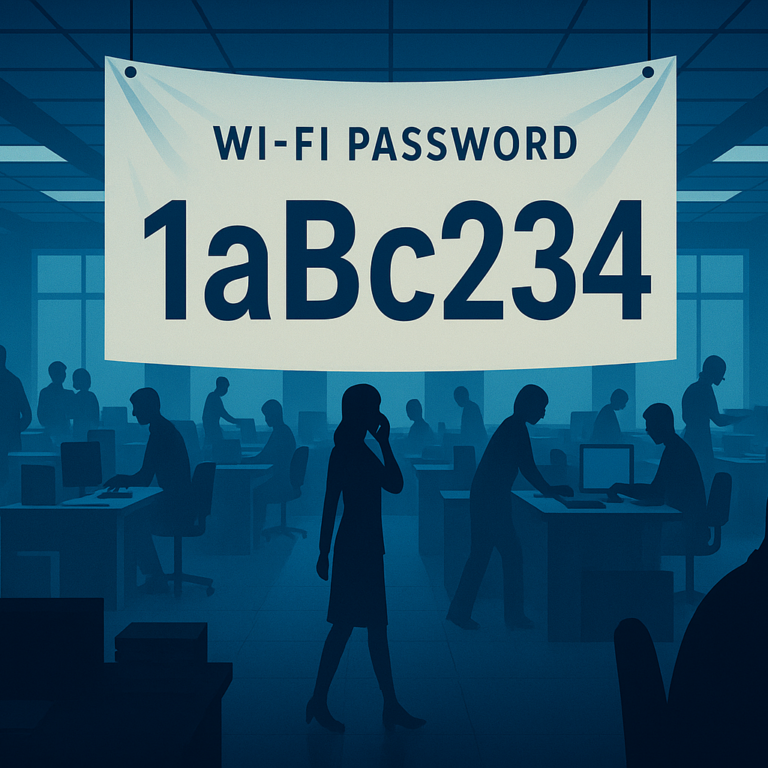
In many small offices across the Treasure Coast — from accounting firms in Port St. Lucie to law practices in Fort Pierce, architecture and surveying offices in Stuart, and local non-profits — the Wi‑Fi network usually starts with a single password created on day one and never changed. Over time, that password spreads. Employees share it, visitors ask for it, contractors get it, and soon half your contacts know your business Wi‑Fi password.
Meanwhile, your staff, devices, and operations have all changed. Laptops, phones, printers, smart TVs, and cloud systems now rely on that same shared Wi‑Fi. What started as a simple setup becomes a hidden cybersecurity risk that can expose sensitive client, legal, financial, donor, and project data. For small professional service firms on the Treasure Coast, this creates a serious vulnerability that most owners don’t see until something goes wrong.
How Shared Wi‑Fi Creates Hidden Network Security Risks
When everyone uses the same Wi‑Fi network, you lose separation. Staff laptops sit on the same flat network as guest phones, printers, cameras, and even old devices that were connected once and never removed. Guests and contractors bring their own devices, and you have no idea whether they’re updated, secure, or infected with malware. Once they connect to your Wi‑Fi, they’re inside your network and can potentially reach other systems.
Former employees are another issue. If the Wi‑Fi password never changes, ex-staff can often still connect from the parking lot or nearby offices because their phone or laptop remembers the network. Some may not intend harm. Others may be frustrated or unhappy about how they left. Either way, they shouldn’t still have access to your internal network.
Even if your router shows a list of connected devices, names like “iPhone” or “DESKTOP-1234” make it nearly impossible to tell if traffic is coming from a staff device in the finance department, a guest phone in reception, or a former employee. This lack of visibility is why shared Wi‑Fi is one of the most common business Wi‑Fi security problems we see in small offices.
What a Secure Small Business Wi‑Fi Network Looks Like
A secure business Wi‑Fi setup doesn’t rely on one password that never changes. Instead, it uses network segmentation to separate traffic into clear zones. Staff work on a protected business network, office devices such as printers, cameras, and phones live on their own segment, and visitors connect to a dedicated guest Wi‑Fi network that looks normal to them but can’t access anything else in the office.
This structure keeps guests online while blocking their access to servers, workstations, and internal systems. Employees can work without worrying about what someone in the waiting room is doing on their phone. Devices that don’t need to touch your computers, like cameras or smart TVs, stay isolated so they can’t interfere with critical systems. With proper access control, staff can use individual credentials that are disabled when they leave, and guest access can automatically expire after a meeting.
The end result is a secure, segmented Wi‑Fi network that still feels simple to staff and guests but has the right security boundaries behind the scenes.


Why Consumer Routers Aren’t Enough for Business Wi‑Fi Security
Most consumer-grade routers are not designed for true small business network security. They may offer a basic guest option, but they can’t reliably separate staff devices, office equipment, and visitors the way a professional business Wi‑Fi setup requires. Even when they support some features, configuration mistakes can cause printers, phones, or payment terminals to stop working or create new security holes.
Simply changing the shared Wi‑Fi password every few months doesn’t solve the core problem. The network is still one flat space where everyone shares the same access. To really fix it, you need business-grade networking hardware, thoughtful design, and a clear plan for who needs access to what. That means reviewing your staff, devices, and workflows to decide how to segment your network and secure your Wi‑Fi properly.
How Treasure Coast IT Solutions Secures Your Wi‑Fi and Network
As a local managed IT service provider, Treasure Coast IT Solutions regularly fixes this exact problem for accountants, lawyers, surveyors, architects, non-profits, and other small professional firms in Port St. Lucie, Fort Pierce, and Stuart. We review your existing setup, identify risks, and design a clean, segmented network structure that separates staff, guest, and device traffic.
Our solutions typically include secure guest Wi‑Fi, separate networks for staff and office equipment, stronger access control instead of a single shared password, and ongoing network monitoring so issues are caught early. Once the right structure is in place, your Wi‑Fi becomes faster, safer, and easier to manage. Staff stay productive, guests still get online, and your business is far better protected against cyber threats and unauthorized access.
If your Wi‑Fi password is written on a whiteboard, shared with every visitor, or known by people who left years ago, it’s time to secure your network.
Protect Your Business Wi‑Fi Today
Don’t let a shared Wi‑Fi password put your clients, your data, and your reputation at risk. Partner with a local Treasure Coast IT company that understands the needs of small professional service firms and can deliver secure, reliable business Wi‑Fi security.
Let us review your Wi‑Fi setup and help you move beyond the shared password that has outgrown your business.
Schedule A Free Consultation
Are you in need of Complete Business Technology Management and Support and unsure what it will cost?
We have you covered. We provide prospective customers a FREE initial consultation which will help us to get to know what your organization needs and what you don’t!
Schedule your free consultation today!